
Manageability
Policies, kiosk mode, approved apps, Wi-Fi, and remote updates.
Android · Device management
A work app, device policies, routes, orders and 1C integration in one system.
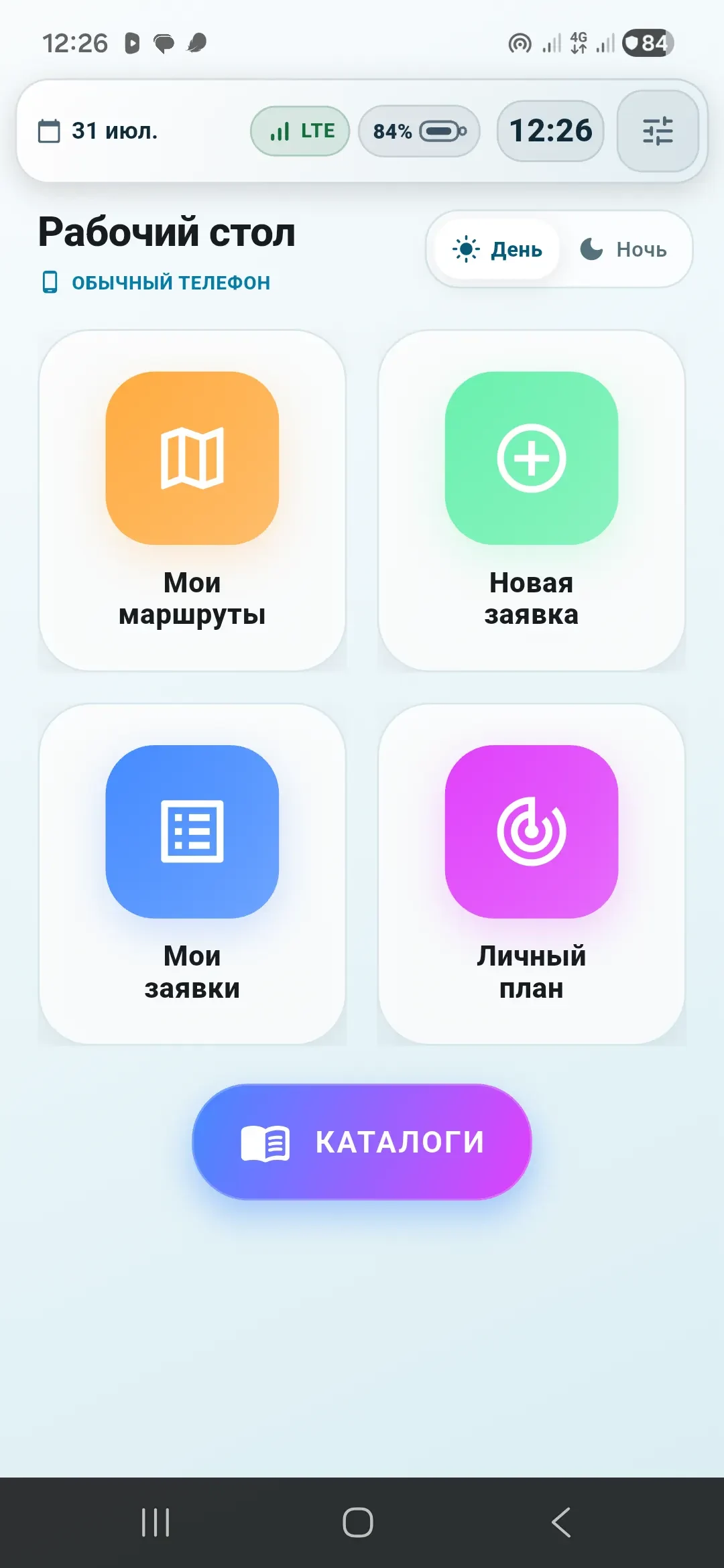
Field staff need routes, requests and catalogues on hand. The business needs consistent device policies and access to current data, including when connectivity is unreliable.
An Android work app connects device management, a server dashboard and 1C integration. Supported operations work offline and synchronise later.
Staff get their work tools in one app. The company centrally manages devices, access and updates, with data feeding into the shared system.
01 / Context
A corporate tablet must remain both a managed device and a convenient work tool for a field employee.
A regular launcher addresses only the interface, while standard MDM addresses only policies. This project required one environment that could securely restrict devices, deliver updates, assign roles, and support daily work without a stable internet connection.
Policies, kiosk mode, approved apps, Wi-Fi, and remote updates.
Routes, customers, catalogue, requests, merchandising, and an offline queue.
A dedicated server model, admin panel, reports, and controlled data exchange with 1C.
02 / Architecture
System privileges are separated from the user interface, and workflows from external-system integration. Core and Launcher are versioned separately and updated through agreed contracts.
The native Android Device Owner handles system policies and trusted app installation.
The device home screen and task workspaces for different field-team roles.
An admin panel, API, and dedicated operational state independent of 1C availability.
03 / Capabilities
MDM functions and business workflows operate as one system while remaining separated at the responsibility and data levels.
A persistent work screen, removal protection for critical components, and launch of approved apps only.
Silent APK installation after validating the package name, version, and signing certificate.
Visit plan, customer card, catalogue, stock, order, and personal sales plan.
Checklists, product issues, before-and-after photos, skipped visits with reasons, and visit history.
Cached work data and supported actions remain available offline and are sent through a managed queue after connectivity is restored.
Geolocation, battery, connectivity, and device status with unreliable-coordinate filtering.
The server assigns the workspace, and employee data is isolated when a device is reassigned.
The primary service continues operating when 1C is unavailable, while synchronisation runs separately under control.
04 / Work Roles
The workspace is assigned by the server-side position. Users do not switch roles manually and see only their own work context.

05 / Security
System privileges are not mixed with the interface, trust between components is signature-verified, and critical actions are protected by strict contracts.
Device Owner is isolated in a dedicated Core app, while Launcher receives only a protected IPC contract.
Before installation, the package, versionCode, and certificate are verified, and the server binds the update to a specific device.
Policies are restored after reboots and updates, while temporary maintenance mode closes automatically.
Offline queues are tied to the assigned employee and are not transferred to a new device user.
06 / Validation
The published figures cover four core test suites and a perimeter/pre-auth run in an isolated environment. They are not business metrics, an SLA, or formal certification.
tests passed
unauthorised requests in a controlled environment
transport errors and 5xx responses in the same run
at concurrency 8–32 in the perimeter/pre-auth run
The controlled run was recorded on 4 August 2026 after a security review and remediation of critical server defects. It does not model mixed authenticated business-workflow load.
07 / Stack
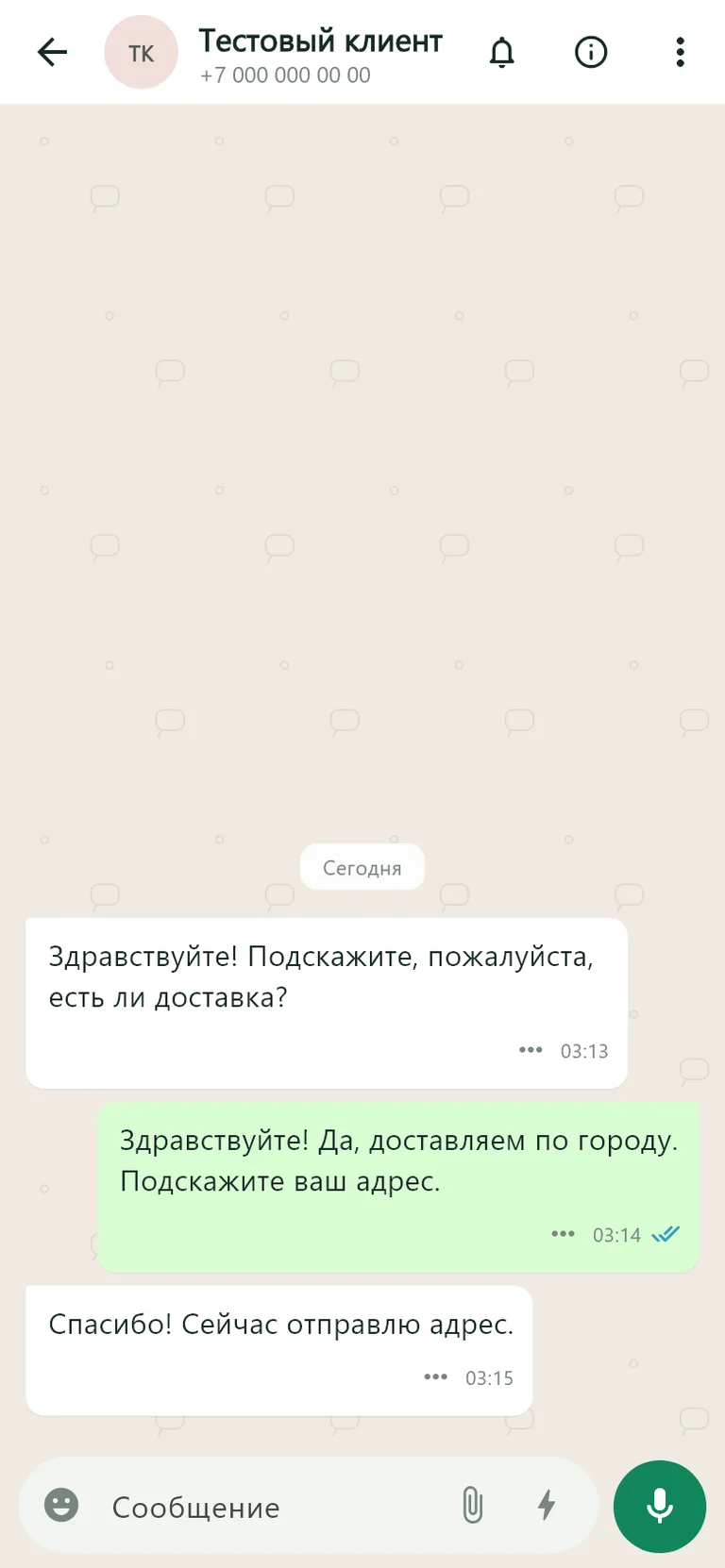
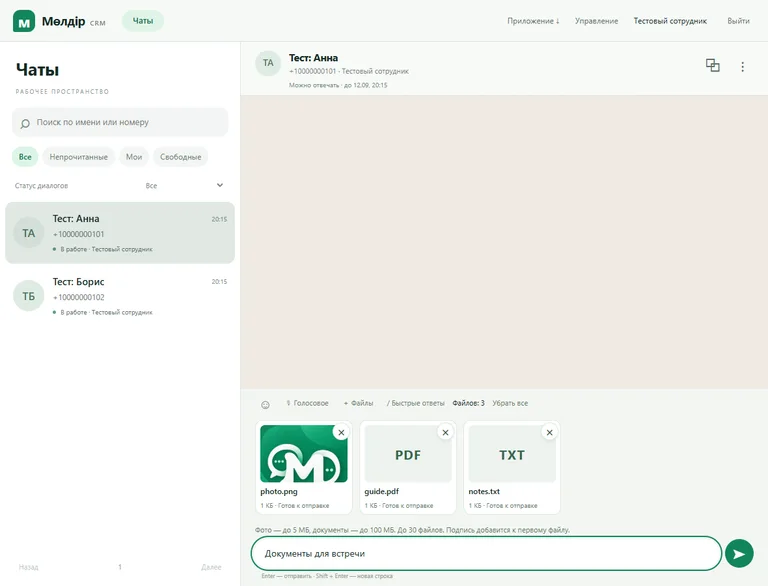
CRM · Android · Website
Customer conversations in one CRM and app.
An education website, web CRM and Android app for a team handling WhatsApp enquiries.
View case study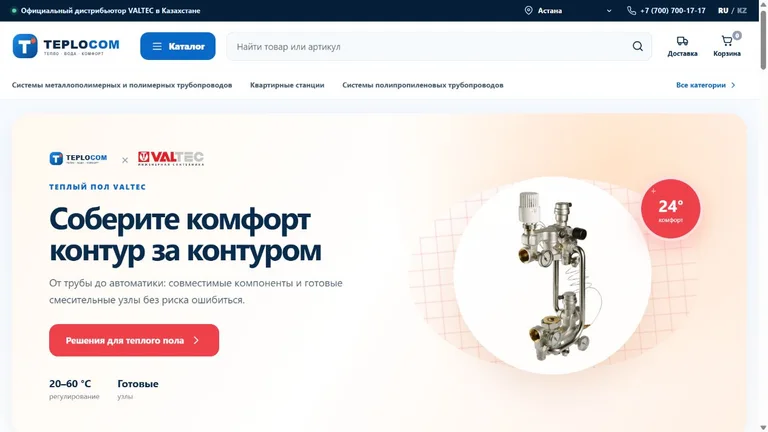
Store · CRM · Automation
Online store and retail operations in one system.
A VALTEC plumbing catalogue, product variants, checkout and a CRM for products, warehouses and delivery.
View case study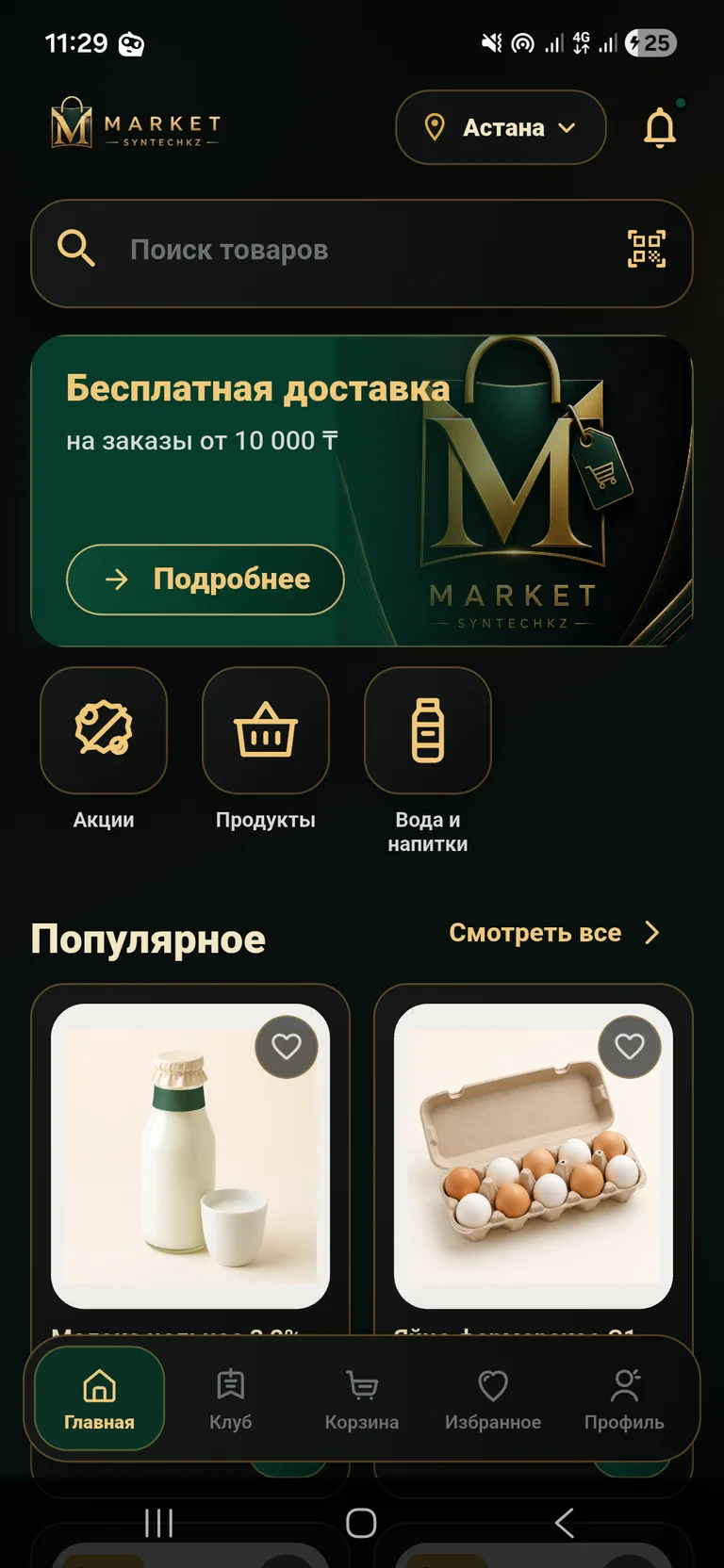
App · Grocery delivery
From choosing groceries to placing a delivery order.
A mobile store with a catalogue, club pricing, cart and order management.
View case study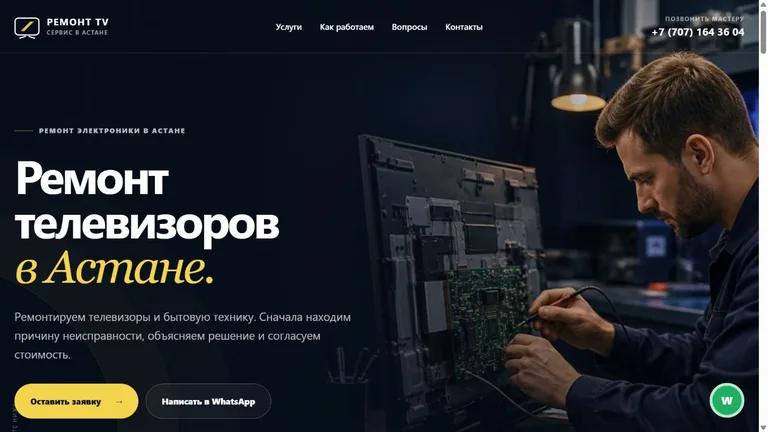
Website · Enquiries · Analytics
A repair service website with a clear enquiry flow.
Repair services, symptom selection, an enquiry form and a dashboard for leads and analytics.
View case study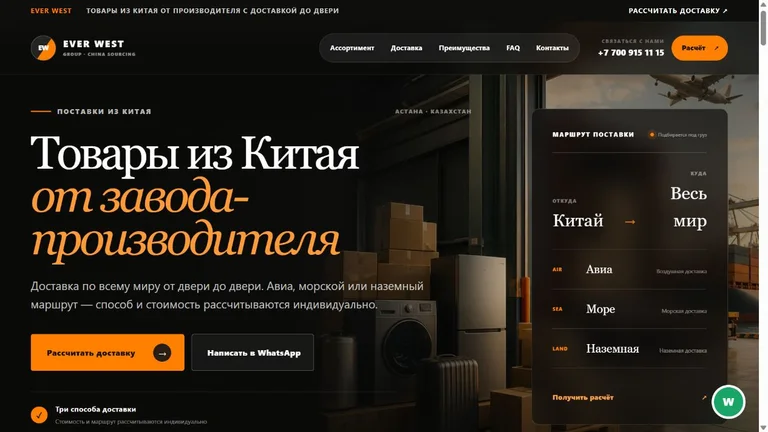
Website · Enquiries · Analytics
A China sourcing website with quote enquiries.
Product categories, delivery options, a quote enquiry form and a dashboard for leads and analytics.
View case study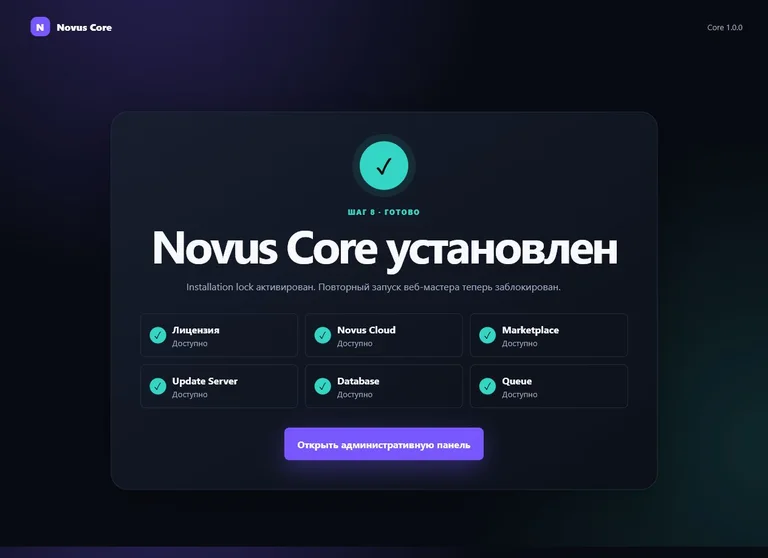
Platform · Web development
A shared foundation for a family of digital products.
A modular platform for users, licences, updates and administration.
View case studyHave a similar challenge?
CRM, mobile app, API, server platform, or complex integration: we will build the solution around your process.