
01 / WEB
Public website
Information on education services, programmes and contacts, with a clear way to enquire.
- Responsive interface
- Visit website ↗
CRM · Android · Website
An education website, web CRM and Android app for a team handling WhatsApp enquiries.
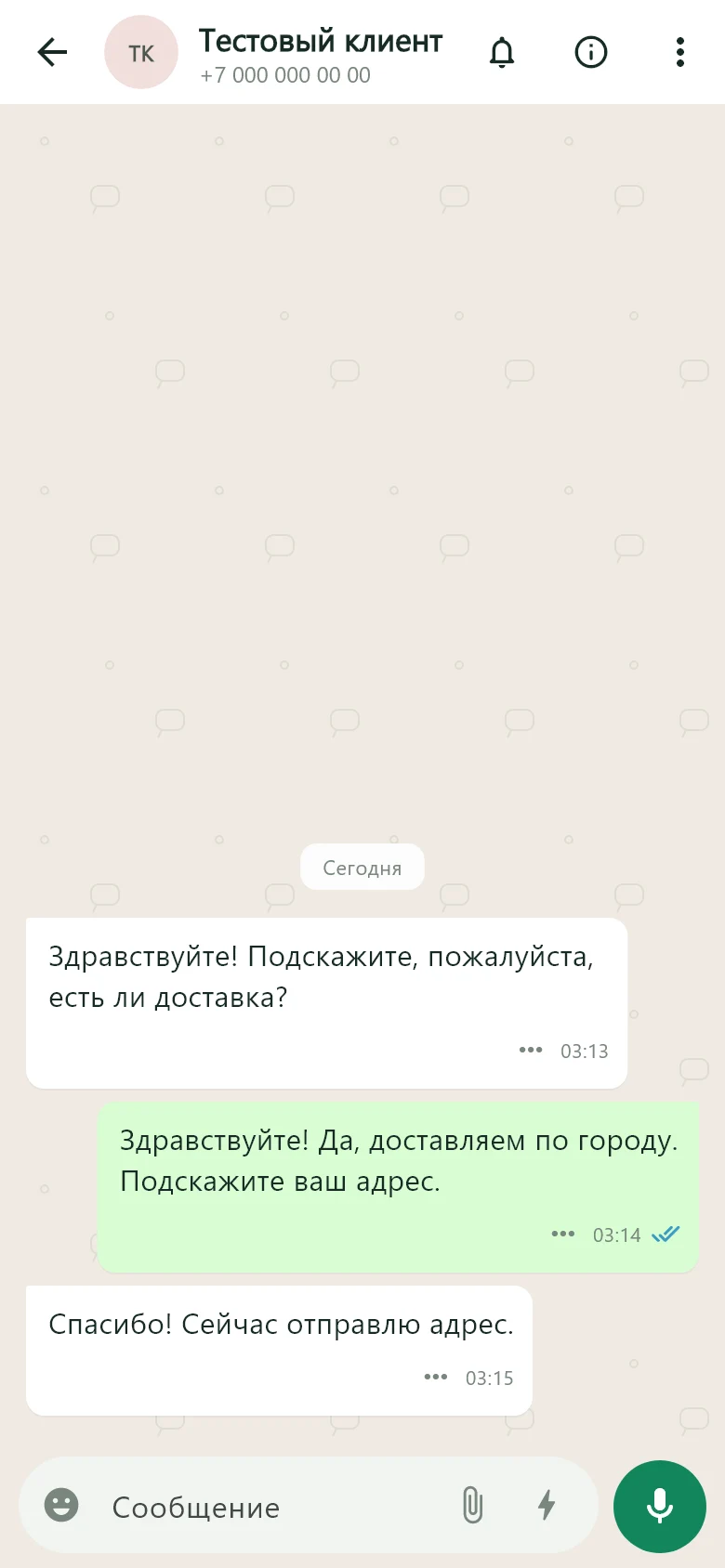
High volumes of incoming and outgoing messages frequently led to 24-hour WhatsApp restrictions. The team needed a shared workspace for conversations.
A CRM and Android app were built to work with WhatsApp through the WhatsApp Business API. The app uses familiar messenger patterns: chats, voice messages, attachments and statuses.
Staff handle conversations from desktop and mobile in one system. Shared history, ownership and statuses help the team work together, while the familiar interface supports adoption.
01 / Project scope
The goal was to present the services and give staff a shared workspace for customer conversations, accessible from desktop and phone.
01 / WEB
Information on education services, programmes and contacts, with a clear way to enquire.
02 / CRM
Shared conversation history, assigned staff and dialogue statuses in a web interface.
03 / ANDROID
A Flutter app with familiar WhatsApp patterns: chats and customers through a shared API.
02 / Workflow
The web CRM and Android app share a server. Assignees, history and statuses are available according to access permissions.
An enquiry arrives through the connected WhatsApp channel.
The conversation appears in the shared inbox with its history and status.
Takes ownership from a computer or the Android app.
Messages, files and status changes remain in the shared system.
03 / Interfaces
Android app, web CRM and public website. Select an image to inspect the details.
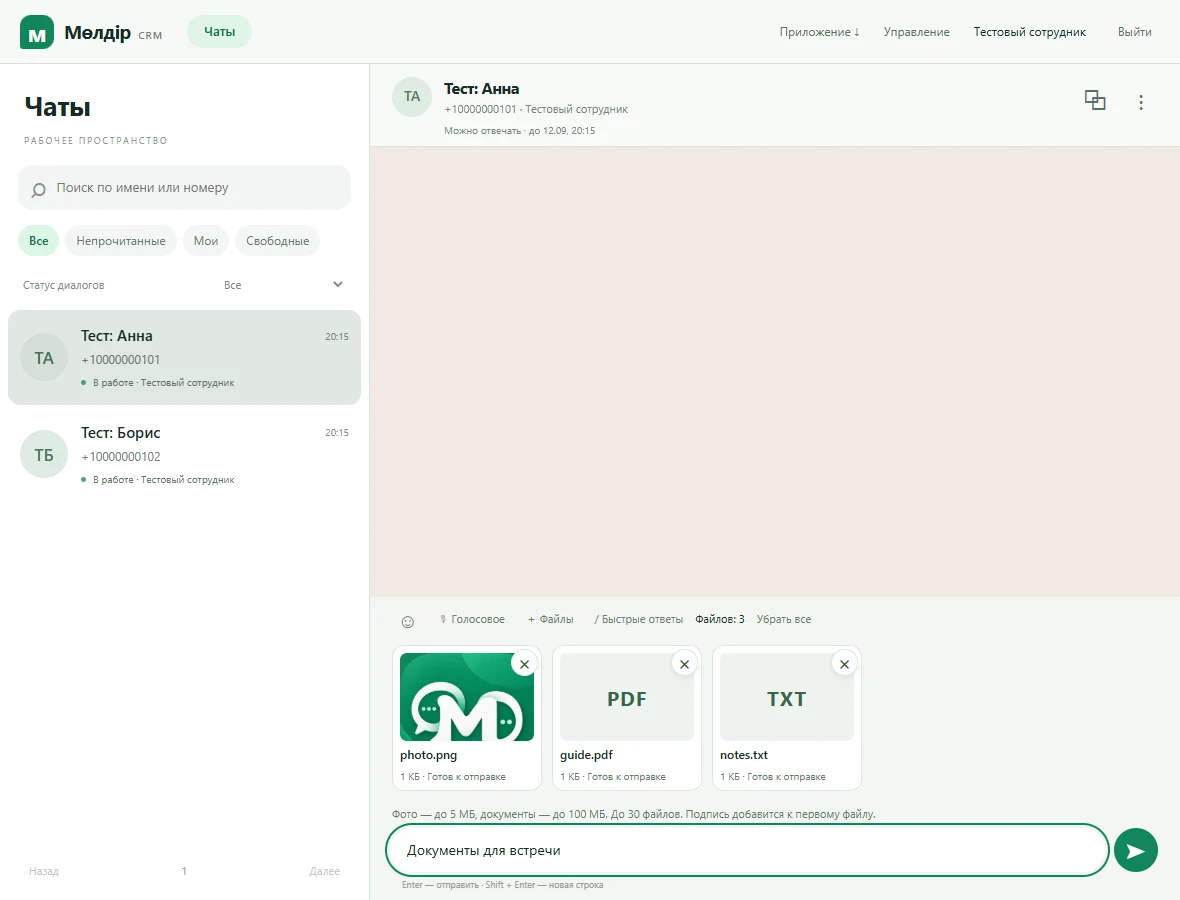
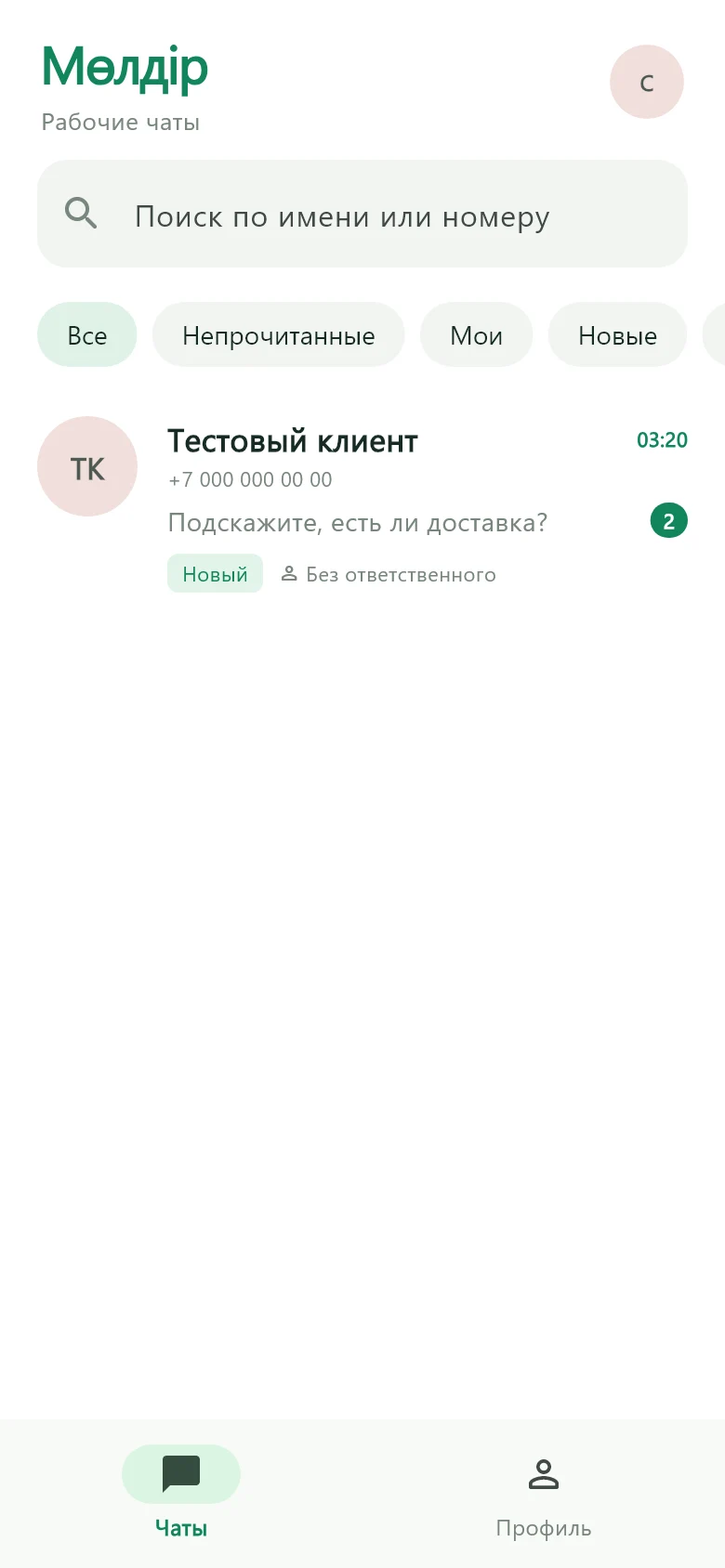
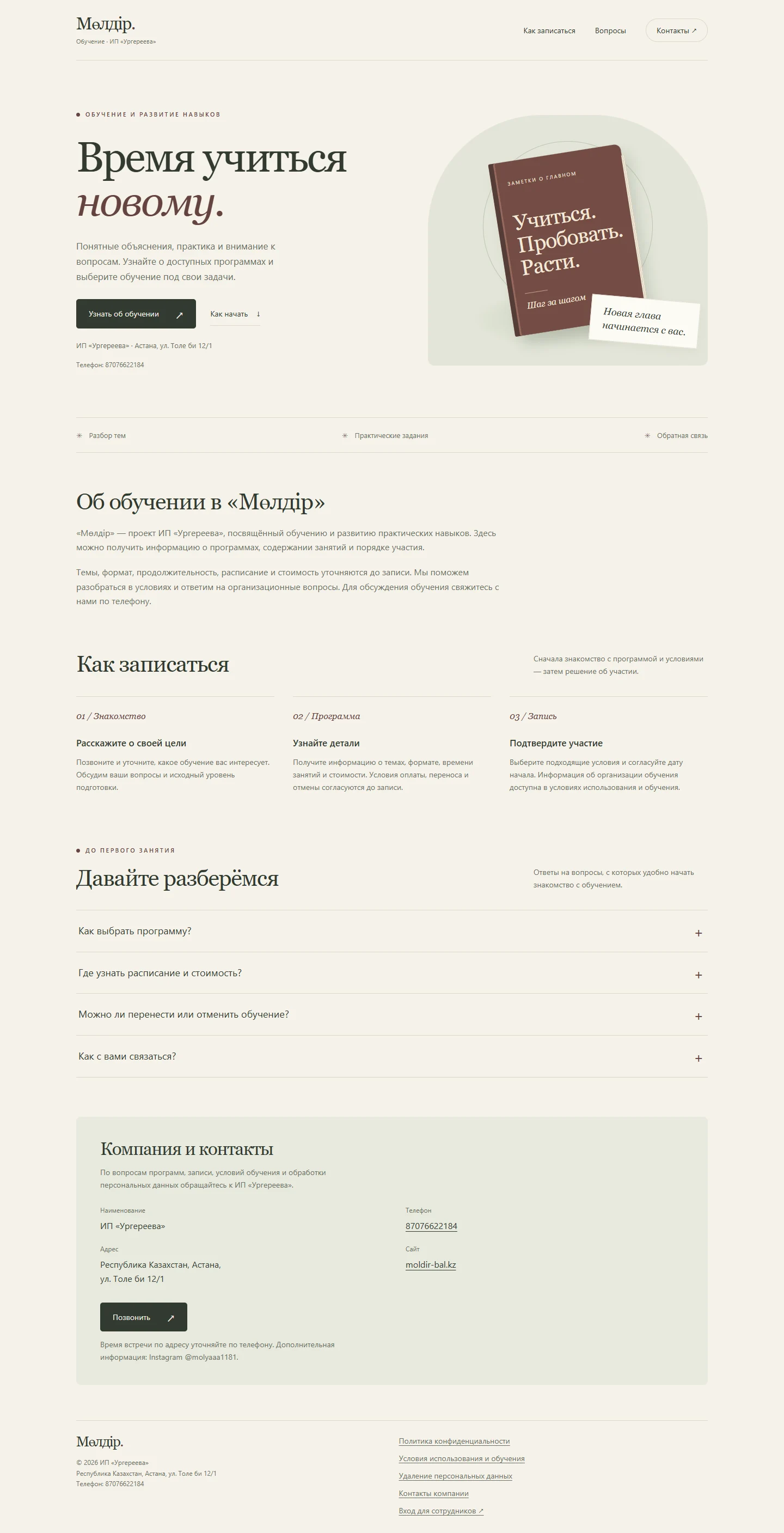
The CRM and app interfaces use test data. The Android app is distributed to staff through the CRM.
04 / Automation
Quick replies and configurable automatic responses support common enquiries. Auto-replies have a delay and repeat interval.
Interface video overview
30 seconds covering the main screens and their purpose. This overview is assembled from project interfaces.
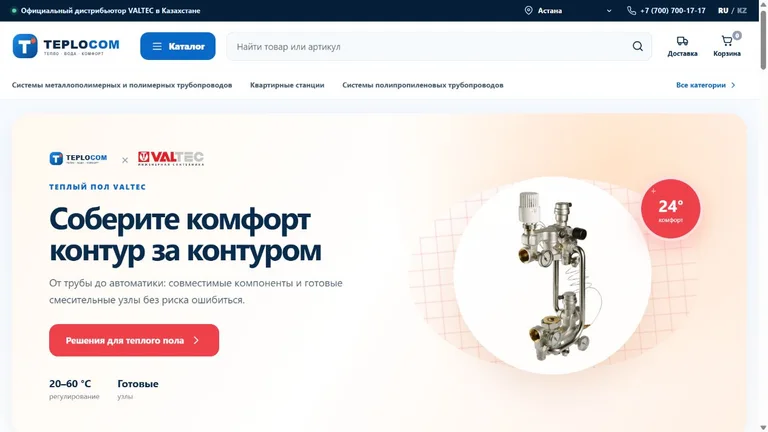
Store · CRM · Automation
Online store and retail operations in one system.
A VALTEC plumbing catalogue, product variants, checkout and a CRM for products, warehouses and delivery.
View case study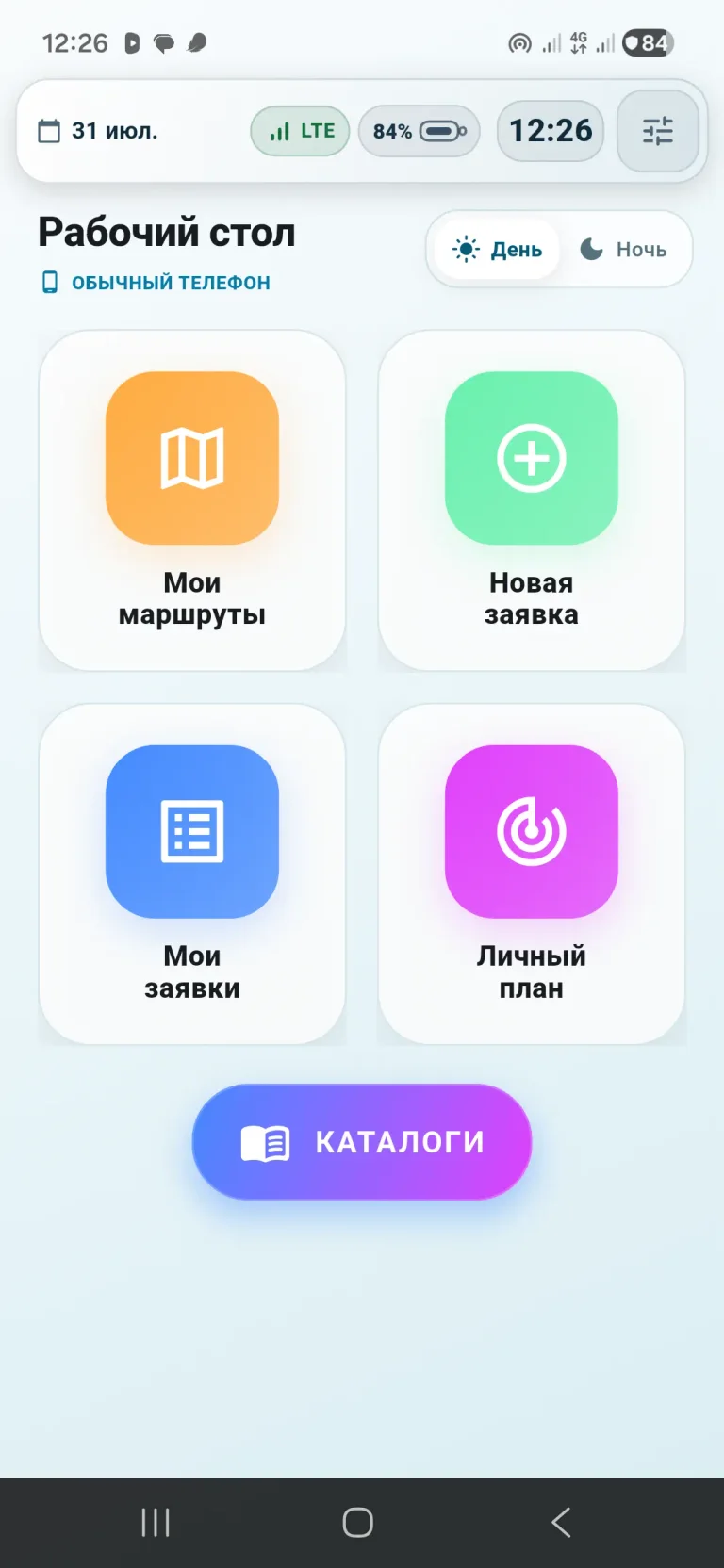
Android · Device management
Manage devices and field teams.
A work app, device policies, routes, orders and 1C integration in one system.
View case study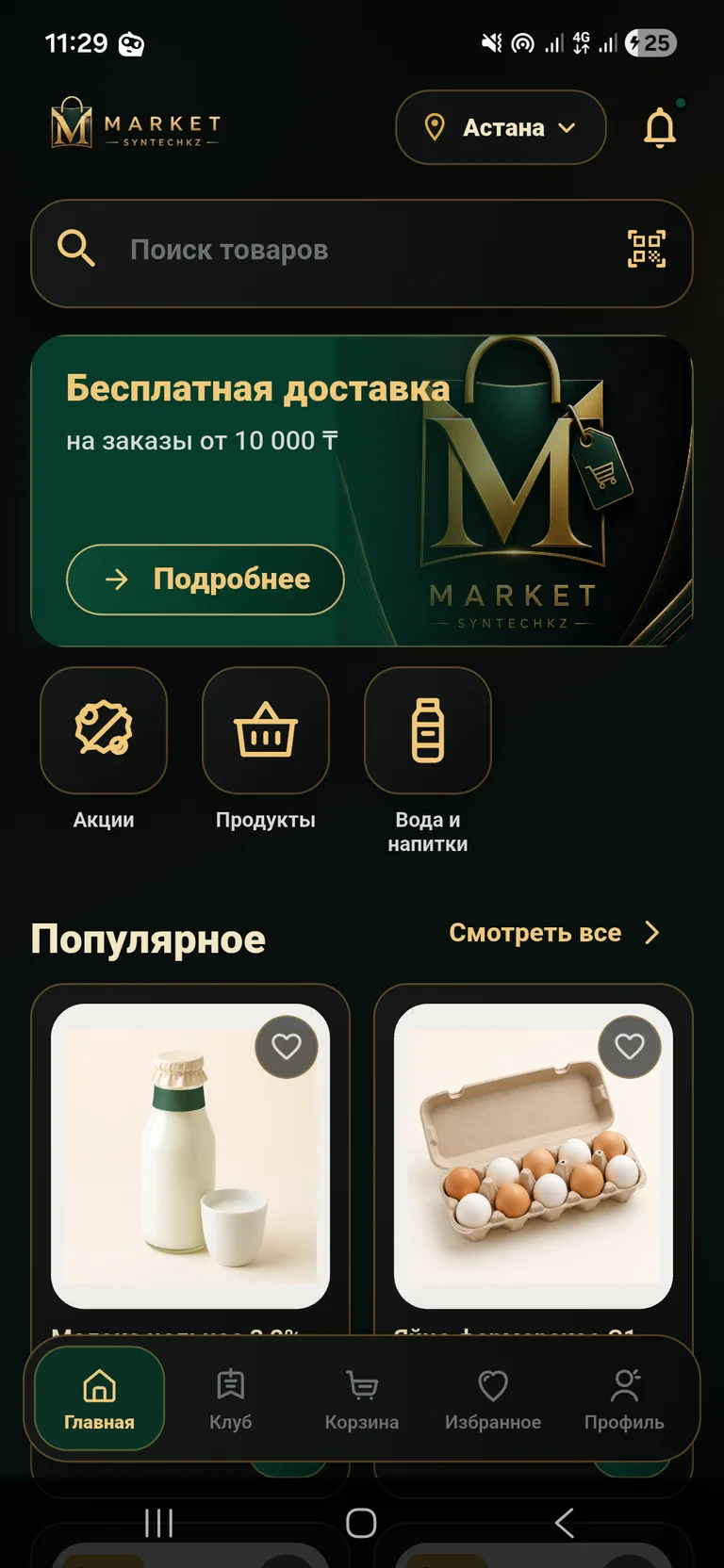
App · Grocery delivery
From choosing groceries to placing a delivery order.
A mobile store with a catalogue, club pricing, cart and order management.
View case study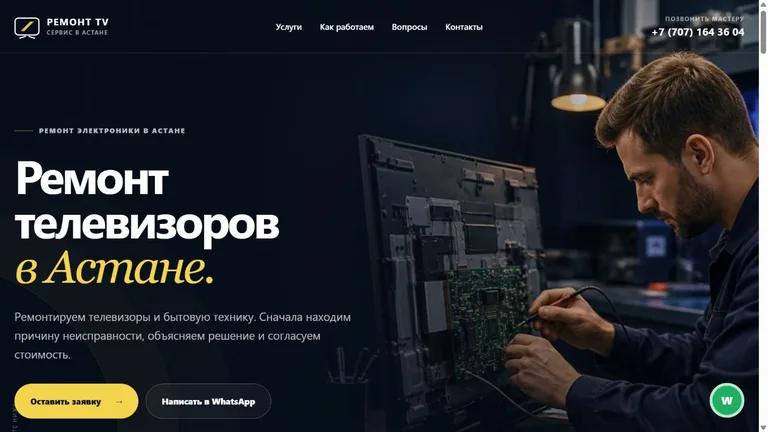
Website · Enquiries · Analytics
A repair service website with a clear enquiry flow.
Repair services, symptom selection, an enquiry form and a dashboard for leads and analytics.
View case study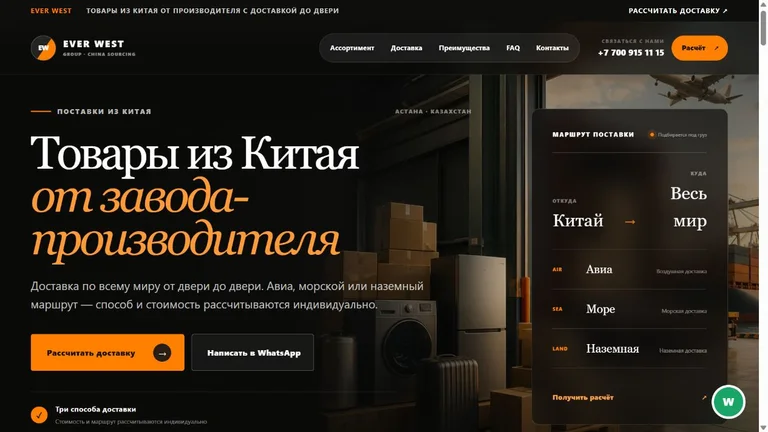
Website · Enquiries · Analytics
A China sourcing website with quote enquiries.
Product categories, delivery options, a quote enquiry form and a dashboard for leads and analytics.
View case study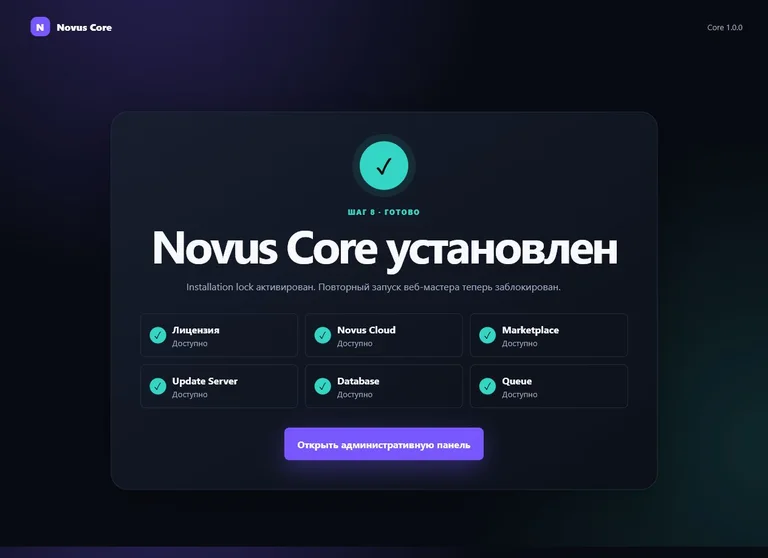
Platform · Web development
A shared foundation for a family of digital products.
A modular platform for users, licences, updates and administration.
View case study