
01
Symptom selection
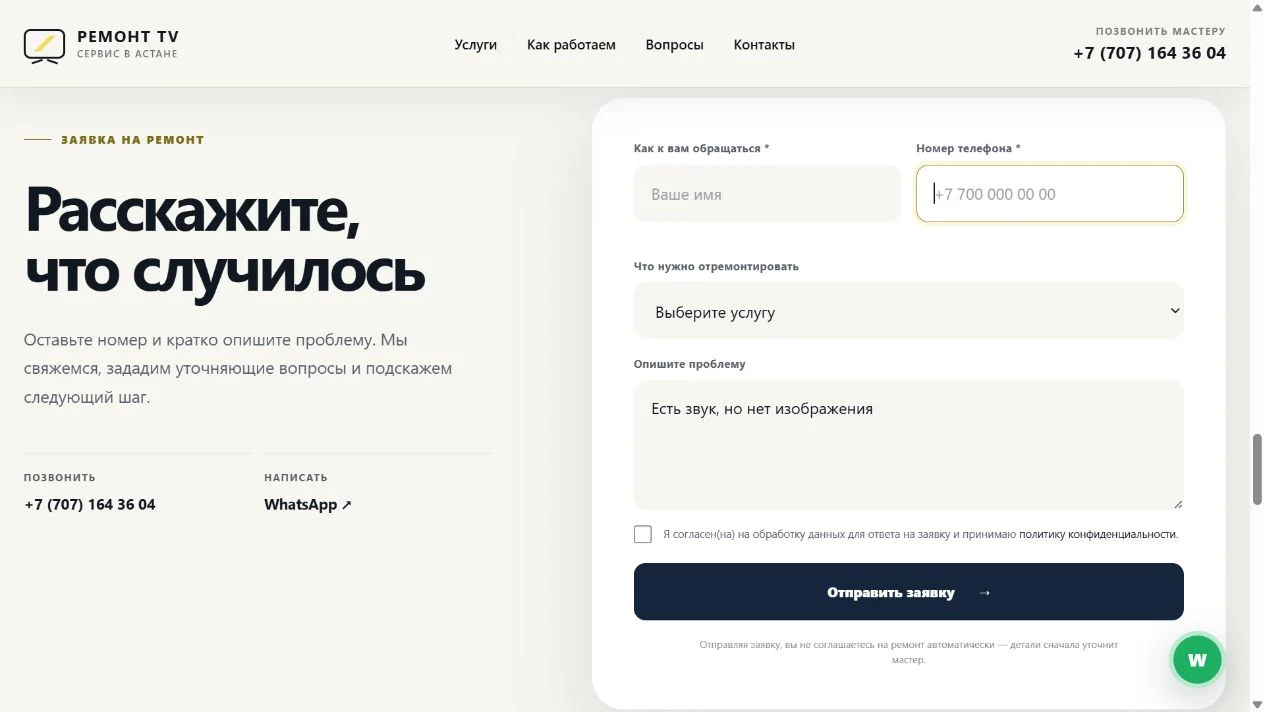
No power, no picture or lines on the screen: visitors select a familiar problem and its description appears in the form.
Website · Enquiries · Analytics
Repair services, symptom selection, an enquiry form and a dashboard for leads and analytics.
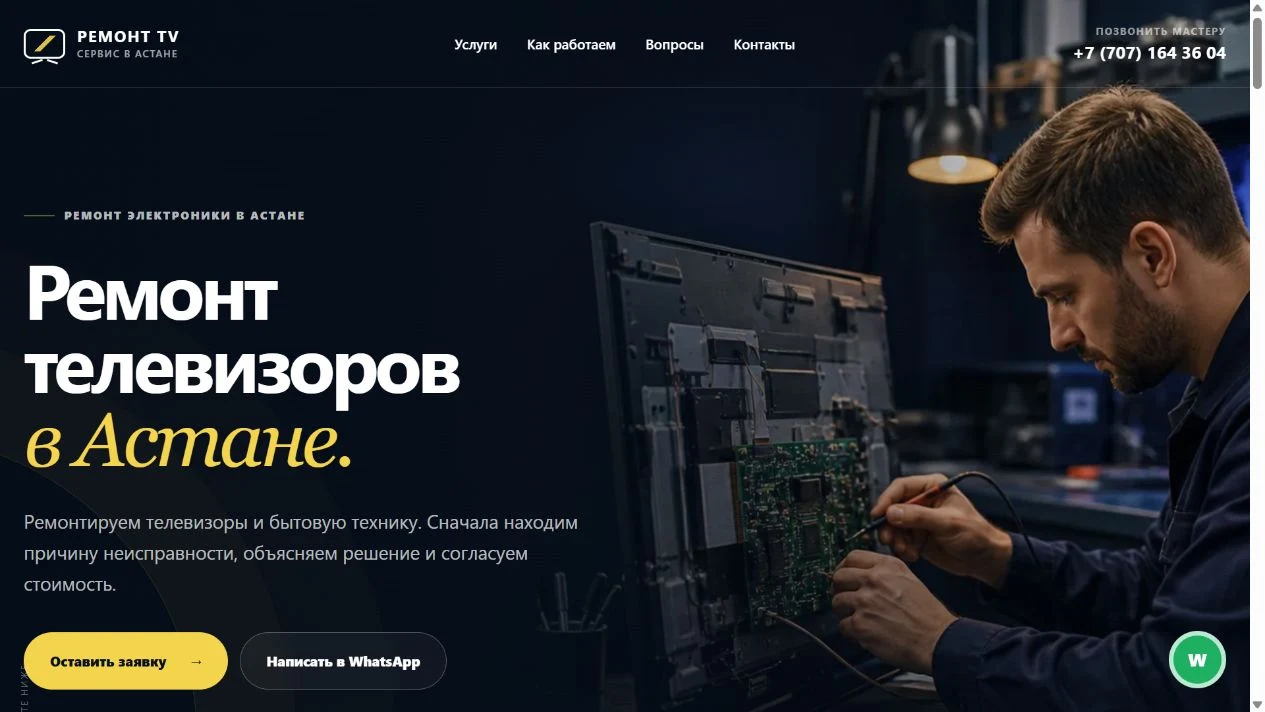
Customers may struggle to describe a TV fault in technical terms. The repair service needs clear enquiries and an organised way to handle them.
Visitors select a familiar symptom and its description fills the form. A dashboard gives the service search, statuses, an archive and enquiry statistics.
Customers start with a recognisable problem, and the service receives a structured enquiry. Statuses and the archive help staff progress requests and refer back to their history.
01 / Project scope
Help people find the right repair service quickly, while giving the business a way to manage enquiries and understand website activity.
01
No power, no picture or lines on the screen: visitors select a familiar problem and its description appears in the form.
02
Search, filters and stages for new enquiries, contact, diagnostics and agreement. Closed enquiries move to the archive.
03
Page views, visitors, phone clicks, WhatsApp clicks and form submissions, with selectable reporting periods.
02 / Workflow
The visitor finds a service or a familiar symptom.
The form retains the selected description; the visitor adds a name and phone number.
The dashboard provides stages for contact, diagnostics and agreement.
Closed enquiries remain in the archive for future reference.
03 / Interfaces
Website, enquiry form and lead dashboard. Select a screen to inspect the details.
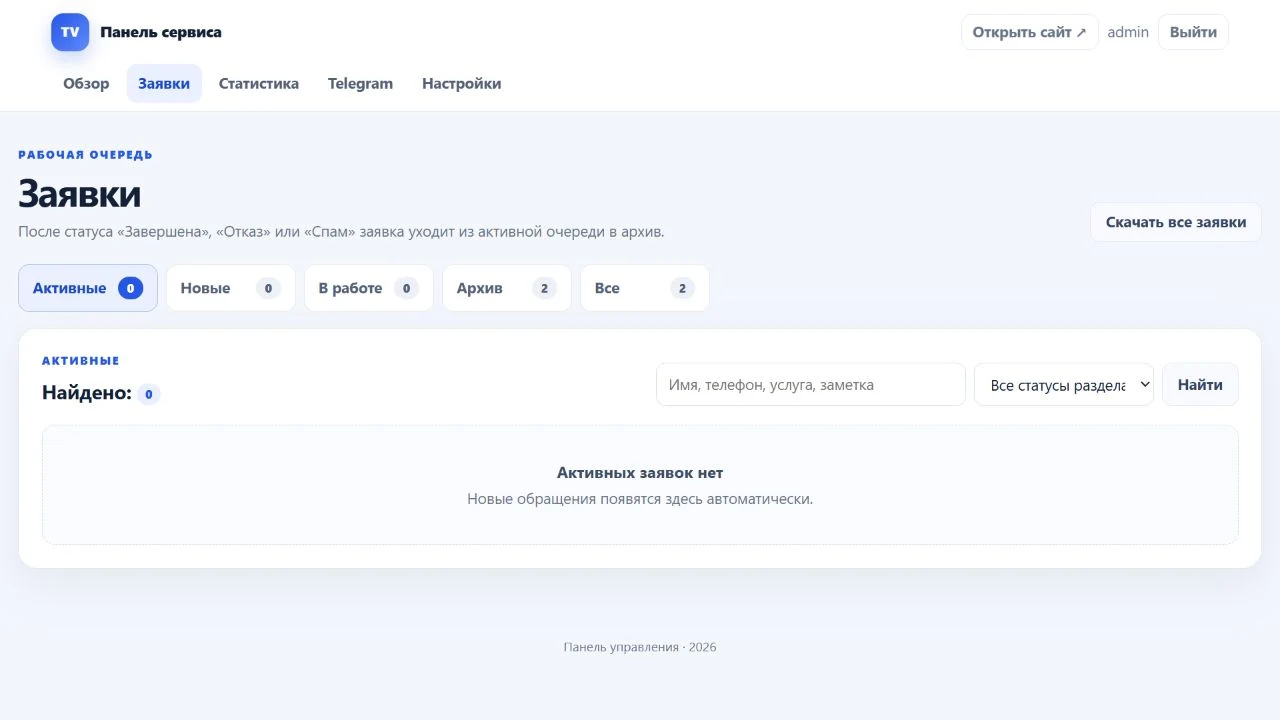
The dashboard is shown without active enquiries. Customer names, phone numbers and enquiry content are not published.
Discuss a similar project →
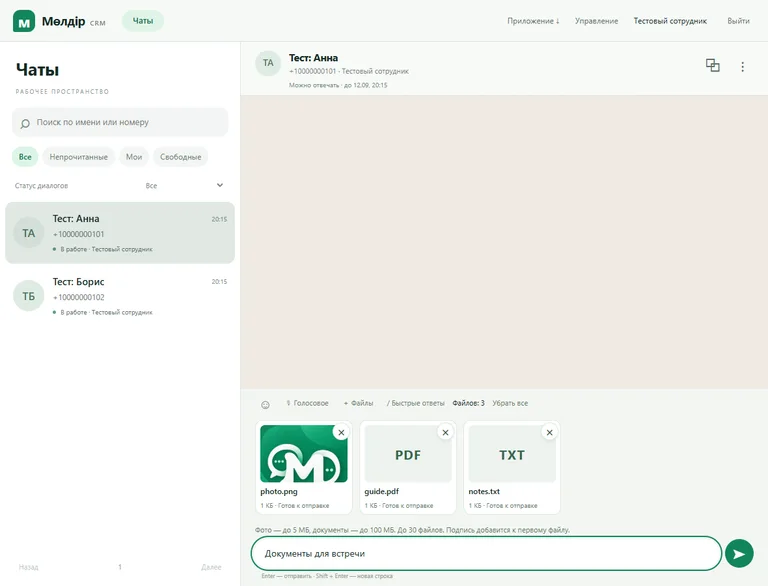
CRM · Android · Website
Customer conversations in one CRM and app.
An education website, web CRM and Android app for a team handling WhatsApp enquiries.
View case study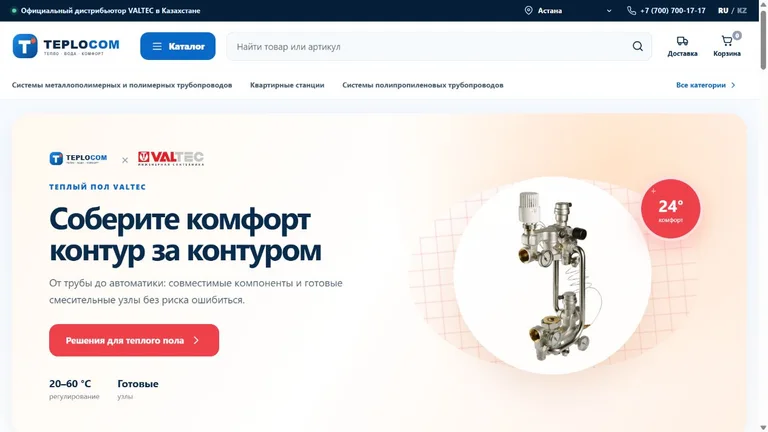
Store · CRM · Automation
Online store and retail operations in one system.
A VALTEC plumbing catalogue, product variants, checkout and a CRM for products, warehouses and delivery.
View case study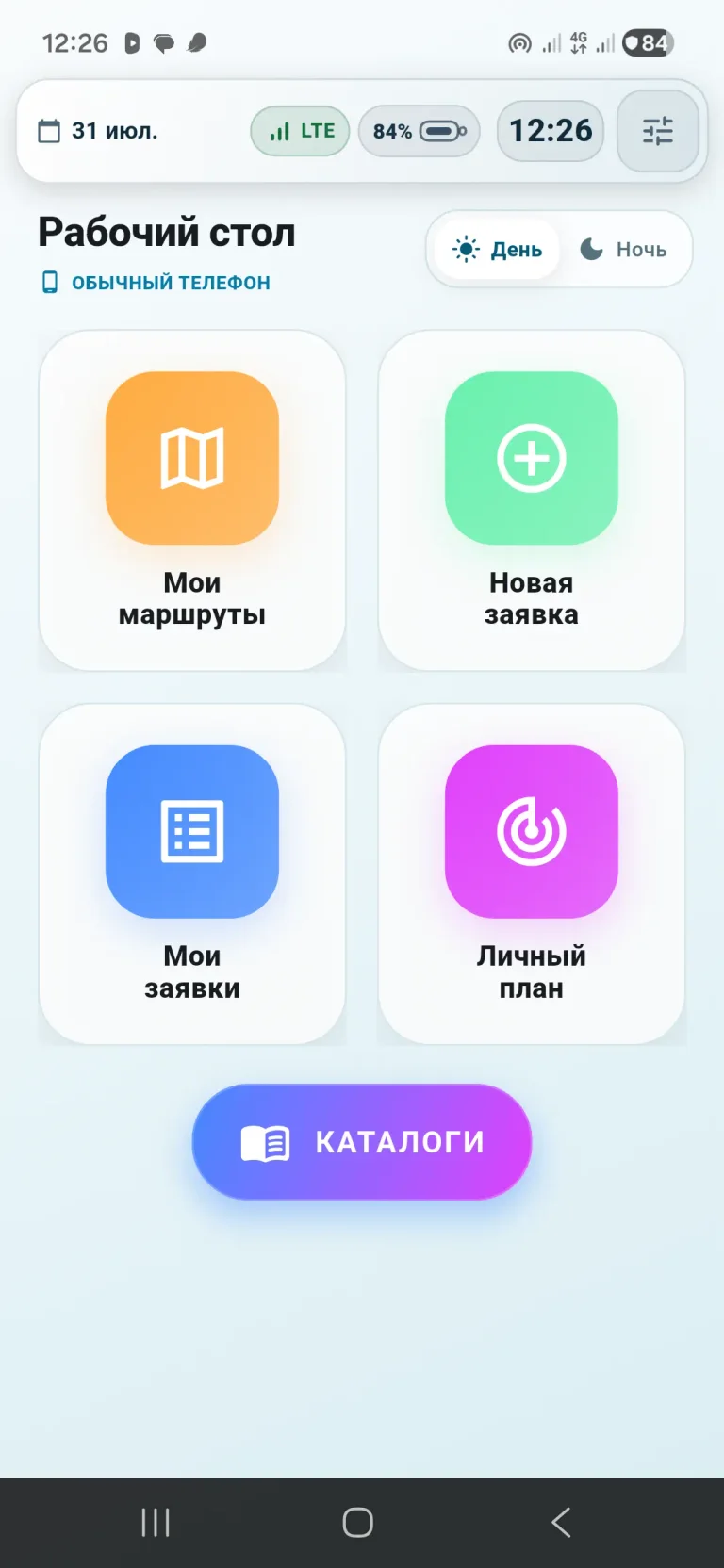
Android · Device management
Manage devices and field teams.
A work app, device policies, routes, orders and 1C integration in one system.
View case study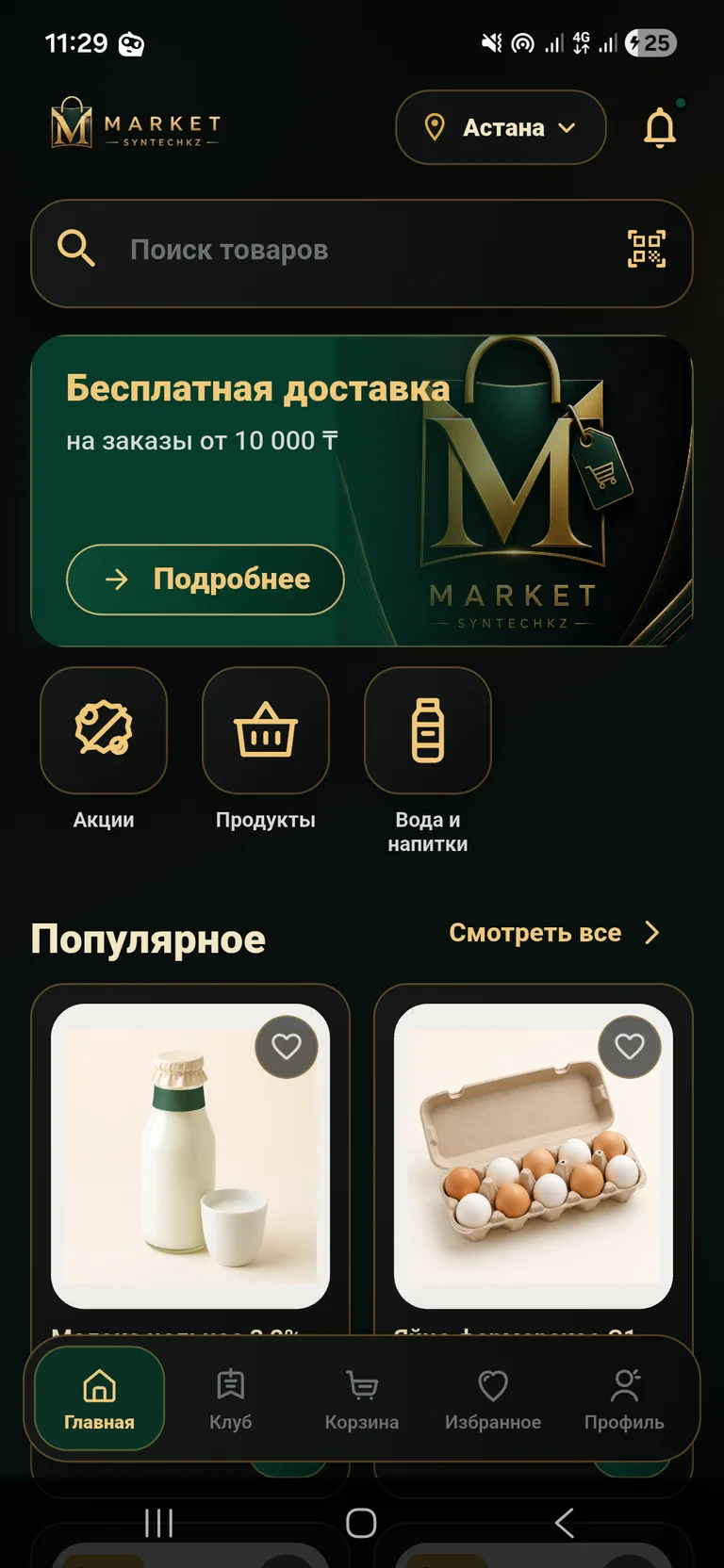
App · Grocery delivery
From choosing groceries to placing a delivery order.
A mobile store with a catalogue, club pricing, cart and order management.
View case study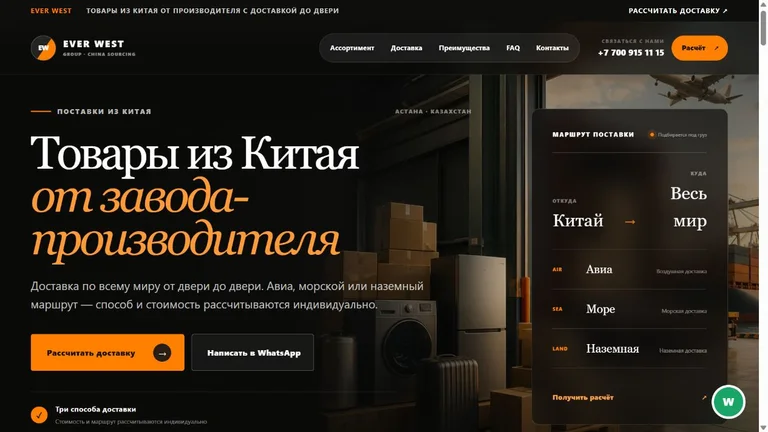
Website · Enquiries · Analytics
A China sourcing website with quote enquiries.
Product categories, delivery options, a quote enquiry form and a dashboard for leads and analytics.
View case study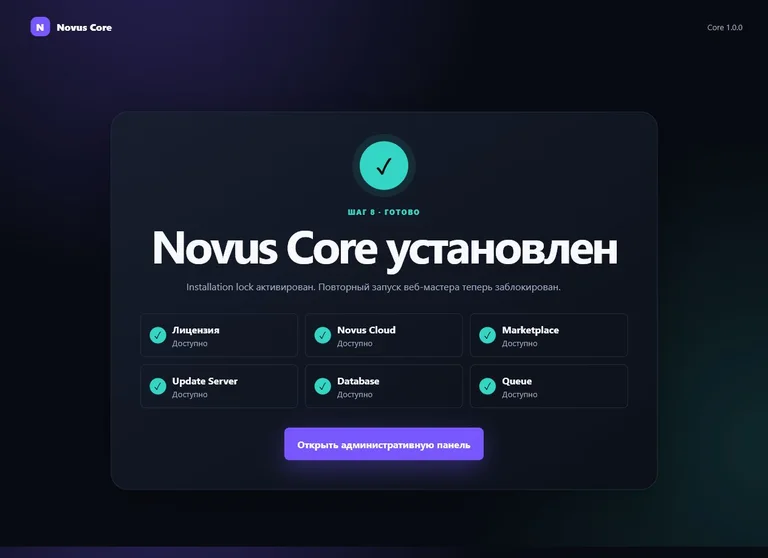
Platform · Web development
A shared foundation for a family of digital products.
A modular platform for users, licences, updates and administration.
View case study